Site settings
From the admin dashboard, follow the link to Settings to change the site settings.
General settings
Website name
The website name is shown in the top bar, title and in email notifications. You should make sure this is easily recognisable to your users.
Welcome message
This message is shown on the initial homepage for your website. Include information and links to help your members get accustomed to the website.
Site colour
Change the colour of the top header bar to something that suits your community.
Community privacy
Hiding posts from the public
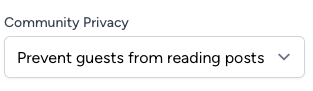
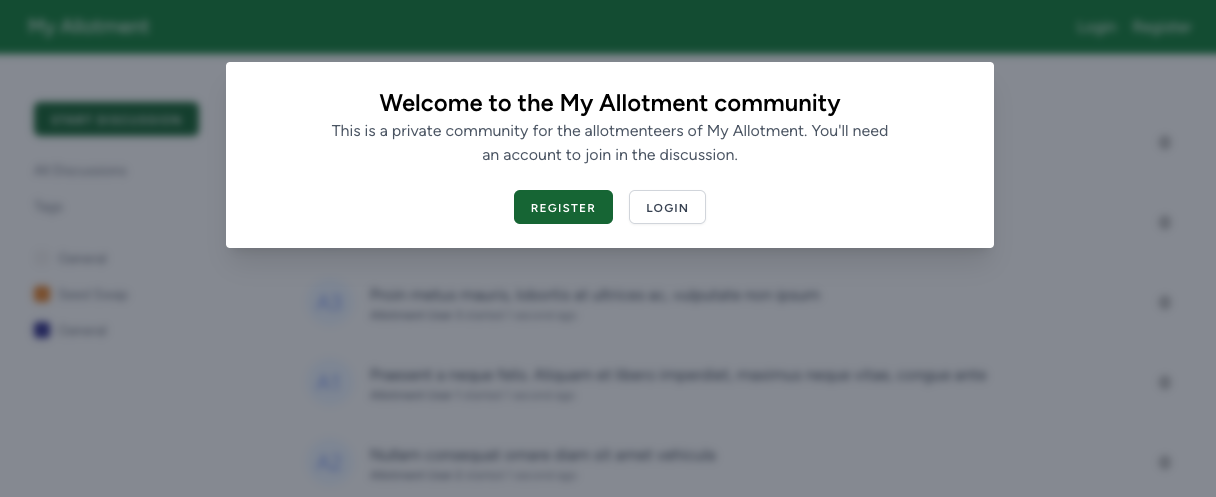
You have the option to make your community completely private (and only accessible to registered members) or open it up to the public so guests can read discussions on your site. When your community is set to private, then a message will be displayed on the homepage, encouraging users to sign up or login.
Controlling user account registrations
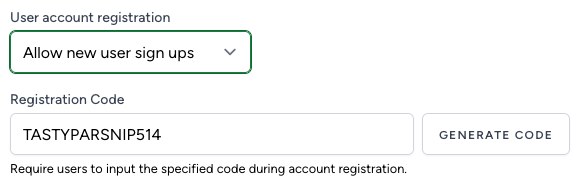
You can choose to allow users to create their own accounts or disable this entirely so that you create accounts manually from the user management admin section.
When you allow users to create a new account for themselves, you are able to specify a code that you can share with other plot holders that will be required during registration. This is an easy way to prevent account registration from anybody who is not a member of your allotment site.
Downloadable poster
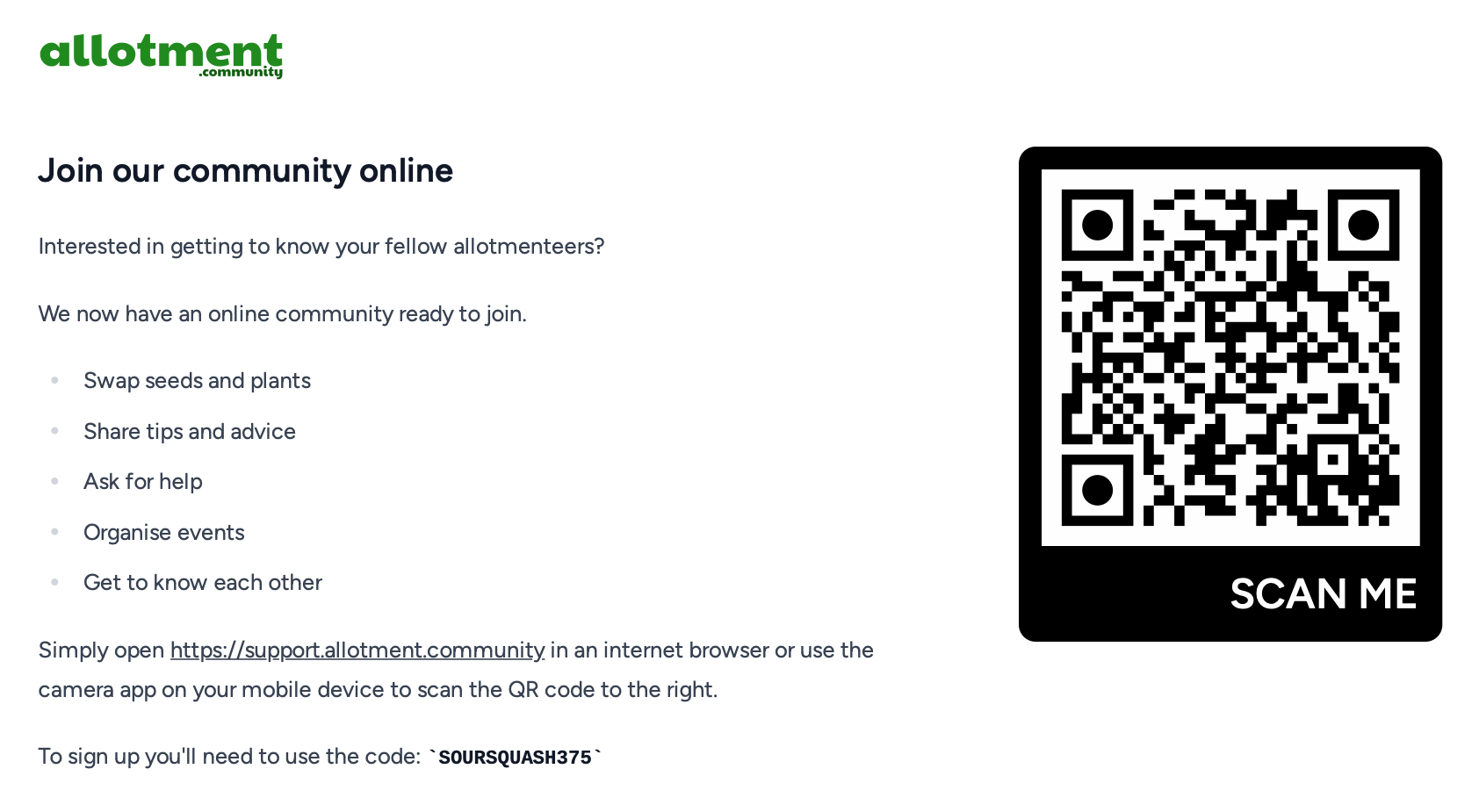
If you have enabled registrations then we supply an easy-to-print poster that you can download, print off and share on your allotment site. This poster gives all of the information that is required to sign up for your website including a handy QR code that can be scanned by mobile phones to take you directly to the registration page.
Following is an example of what this poster will look like and is sized to A4 in practice: